


Start a challenge
Pick the goal, shape the rules, choose public or private, and invite the right people.
Built for goals worth showing up for
Turn any goal into a shared challenge. Invite your people, post real proof, and let a little friendly accountability carry you further.
Bring your crew.
Progress feels better when it is shared.

Made for real progress
A simple social loop
ChallengeSphere turns vague intentions into a ritual your whole crew can see and celebrate.
Pick the goal, shape the rules, choose public or private, and invite the right people.
Share the run, the page, the rep, or the work. Small check-ins make effort visible.
Watch streaks grow, climb the board, give Glory, and keep the whole crew moving.
The real ChallengeSphere app
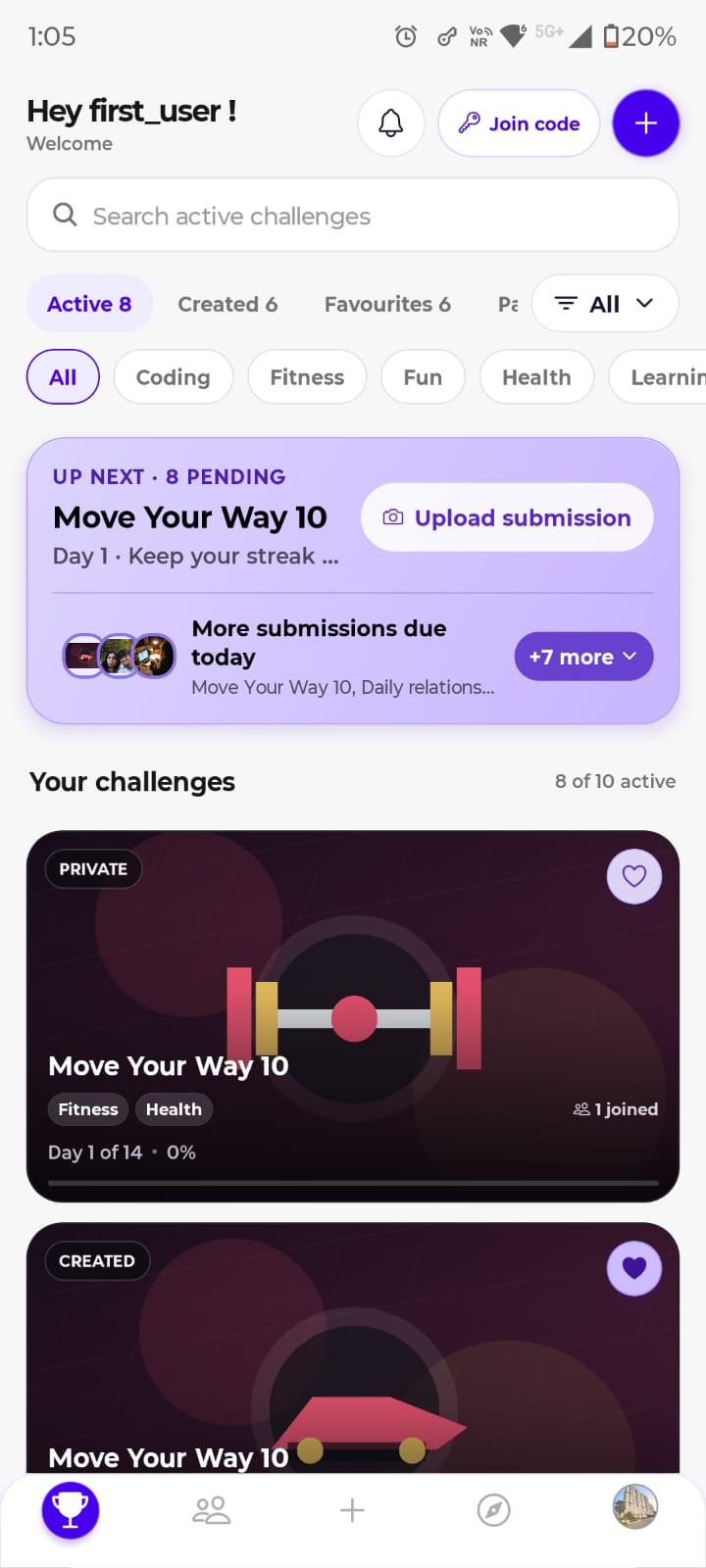
Every screen below is a genuine capture from the Android app—no invented UI, no glossy placeholders.
See active challenges, pending requests, and the next update waiting for you.
Browse ideas, filter by interest, and join a public challenge in a tap.
Set the title, rules, visibility, and dates in one clear guided flow.
.jpeg)
Streaks, pace, completion, and challenge mix make consistency visible.
.jpeg)
Why it feels different
Group chats bury goals. Habit trackers can feel lonely. ChallengeSphere gives every goal its own room—and every person a reason to return.
Get ChallengeSphereKeep personal goals inside a trusted circle, or go public when you want new energy.
Photo proof and check-ins turn quiet effort into something your people can respond to.
Glory, streaks, and leaderboards create encouragement without turning goals into guilt.
A note to future you
Make the promise visible. Let your crew witness the work. Then show up again tomorrow.
Get ChallengeSphere
Download ChallengeSphere directly on iPhone or iPad. On Android, share your email and we will send you the latest APK with simple installation instructions.